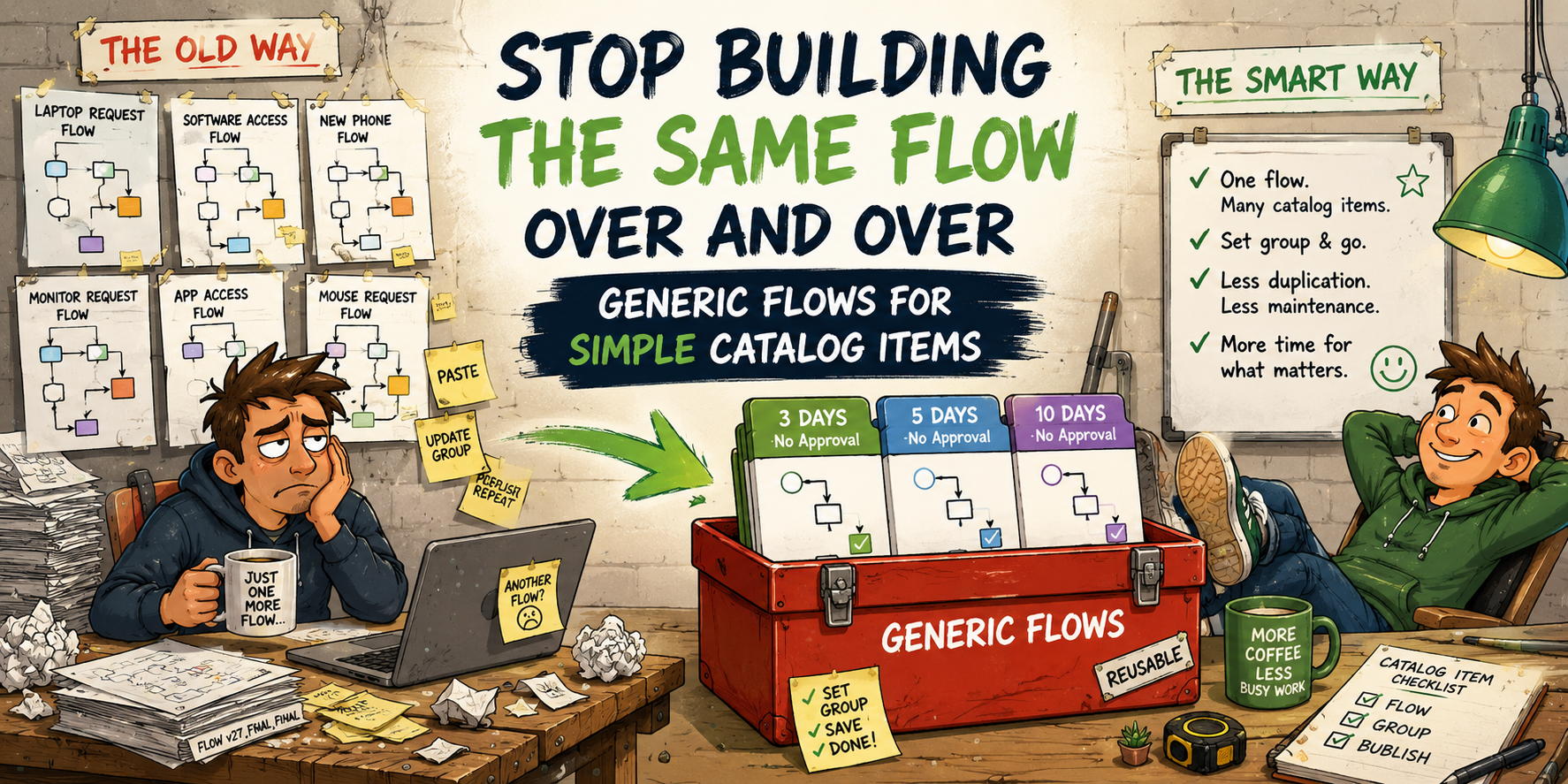
A quick caveat before we get into it: this might be old news to a lot of you, and if so, feel free to move along. We’ve been running ServiceNow for about 15 years, and in that time virtually every catalog item we’ve ever built has had its own dedicated flow — or a legacy workflow before Flow Designer was a thing. It was just how we did it. So if you’re in the same boat and haven’t come across this approach yet, hopefully this saves you some time. Sometimes the useful stuff hides in plain sight.
If you’ve spent any time building out a service catalogue in ServiceNow, you’ll have hit this problem: you’ve got a catalog item that does something straightforward — log a task, assign it to a team, done. No approvals, no branching, nothing fancy. And yet you still end up building a whole flow for it, copy-pasting the previous one, updating the group reference, publishing it, and moving on.
The reason we always ended up doing this is that when a catalog task is generated, you need to tell the flow which variables from the request form should appear on the task — so fulfillers can actually see what was submitted. Each catalog item has its own set of variables, which makes sharing a single flow across multiple items seem impossible at first glance.
The trick that unlocks it is simple: set your catalog item variables to Global. When a variable is marked as global, it appears on the generated task automatically, without needing to be explicitly referenced in the flow. That removes the main reason you’d need a bespoke flow for a straightforward catalog item.
Multiply the old approach across a dozen catalog items and you’ve got a graveyard of near-identical flows that all need maintaining separately. With global variables, you don’t need any of that.
I recently built a small set of Generic Flows to solve exactly this. Here’s how they work and how to wire one up to a catalog item.
The idea
The pattern for a basic “log a task” catalog item is almost always the same:
- User submits the catalog form
- A catalog task gets created and assigned to the right team
- The task is marked as completed when done, which closes the request
The only things that actually vary between catalog items are:
- Which team gets the task
- How long they have to complete it
So instead of a separate flow per item, I built three shared flows — one for each common SLA band — that any catalog item can point at. The flow reads the fulfillment group directly from the catalog item at runtime, so there’s nothing to hard-code.
The flows
Three flows were created and published to the global scope:
| Flow | Fulfilment stage duration |
|---|---|
| UoB Generic Flow – 3 Days – No Approval | 3 business days |
| UoB Generic Flow – 5 Days – No Approval | 5 business days |
| UoB Generic Flow – 10 Days – No Approval | 10 business days |
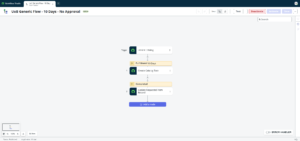
They all follow the same two-step logic once triggered:
- Create Catalog Task — the task short description is set to the catalog item name, and the assignment group is pulled from the Fulfillment Group field on the catalog item record
- Update Request Item — the parent requested item record is set to complete
Configuring a catalog item
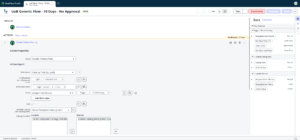
Set the Fulfillment Group to the team who will be actioning requests, save the record, and that’s it. Submit a test request and you should see a catalog task land in that group’s queue with the catalog item name as the short description.
For our instance, I created a UI policy that makes the Fulfilment Group field mandatory when one of the generic flows is used in the Flow field. This uses a STARTSWITH condition on the flow name, looking for the prefix UoB Generic Flow.
What’s handled automatically
Once the flow is attached and the fulfillment group is set, you don’t need to touch the flow at all. It reads both the catalog item name and the group dynamically at runtime, so:
- Rename the catalog item → the task description updates automatically
- Change the fulfillment group → the new group gets the task from the next submission onwards
Limitations — and when not to use this
These flows are intentionally simple, and that simplicity is the point. They’re not the right tool if your catalog item needs any of the following:
- Approval steps — there’s no standard field on a catalog item to hold approver information, and our approval requirements are often complex enough that they really warrant a bespoke flow. Trying to bolt approvals onto a generic flow would defeat the purpose.
- More than one task — the flow creates a single catalog task. If you need tasks going to multiple teams, or sequential handoffs, you need a bespoke flow.
- A custom task name — the task short description is always the catalog item name. If you need something derived from form variables (for example, including the user’s location or a reference number), that’s not supported here.
- Conditional routing — there’s no branching logic. Every submission takes the same path.
- Scripting or integrations — if the fulfilment process needs to call an external API, update another record, or run a business rule mid-flow, use a bespoke flow.
The rule of thumb: if you could describe the fulfilment process as “create a task, assign it to [team], done” — use a Generic Flow. If you need to say “and then…”, “unless…”, or “depending on…” — build something bespoke.
Wrapping up
It’s a small thing, but having a shared flow that any basic catalog item can point at saves a surprising amount of maintenance overhead. New catalog items that fit the pattern can be stood up in a couple of minutes rather than requiring a new flow to be built, tested, and published each time.
If you’ve got a large service catalogue with a lot of simple request items, it’s worth looking at how many of your flows are actually doing the same thing.